Enjoy FREE shipping across West Malaysia and a flat RM15 shipping fee to East Malaysia on all orders.
8 Must-Have Gadgets a Content Creator Should Have
Plenty of creators start with just a phone and figure out the rest as they go. That works for a while. But there is a point where the quality ceiling of your current setup starts limiting how good your content can get, regardless of how strong your ideas are. The right gear removes friction from your process and puts the focus back on creating.
These are the eight tools worth building your kit around.
1. Smartphone for Vlogging
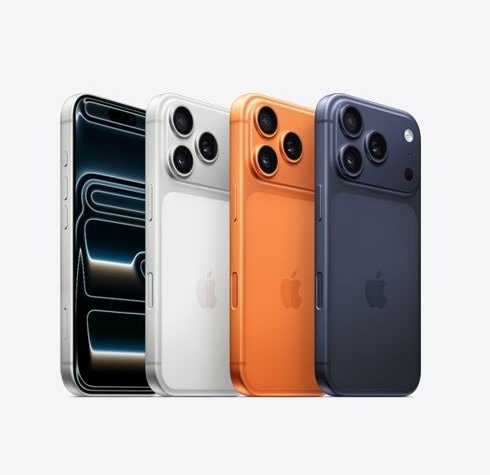
Your smartphone is the device you have with you at all times, which makes it the most practical starting camera for most creators. A good flagship handles more than you might expect. Models like the Samsung Galaxy S26 Ultra, Xiaomi 17 Ultra 5G, and Honor Magic8 Pro 5G shoot 4K video, perform well in low light, and come with AI-assisted camera modes that handle a lot of the technical work for you. Battery life matters just as much as the camera. Look for smartphones with at least 5,000mAh with fast charging to be able to handle a full day.
For a detailed comparison of the best phones for content creators in Malaysia, the KTS blog breaks down top camera for vlogging worth checking before you decide.
2. Action Camera or 360 Camera for Dynamic Footage
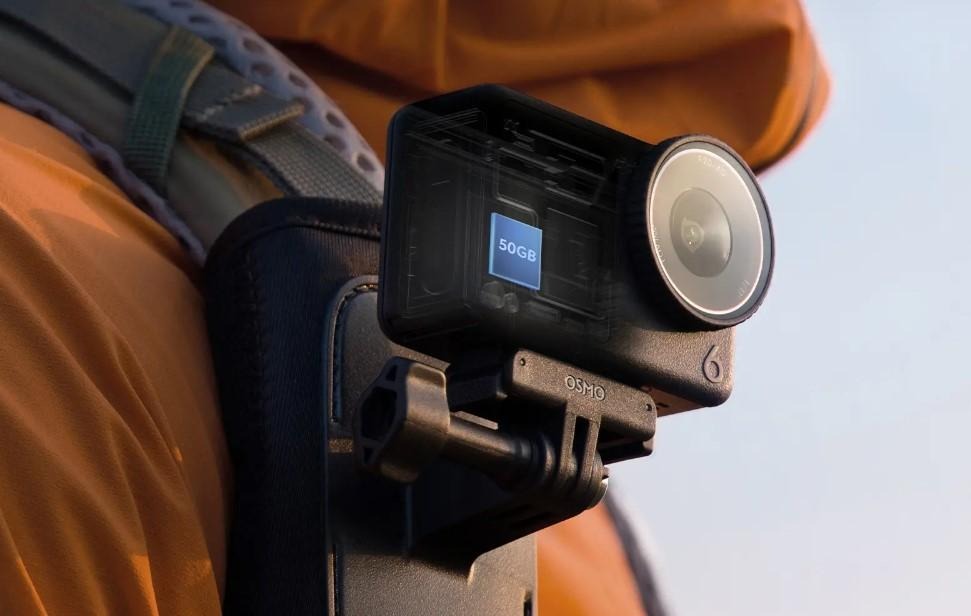
A dedicated camera covers angles and shooting scenarios your smartphone cannot. Travel vloggers use action cameras for POV footage during hikes, cycle routes, and city walks. Adventure and sports creators mount them on helmets, boards, and handlebars for uninterrupted continuous shots. Lifestyle creators use compact action cams for b-roll that adds texture and energy to their main footage.
The Insta360 and DJI action camera is one of the best action cameras out there. The Insta360 X5 8K shoots full 360-degree footage at 8K and lets you reframe the shot entirely in post, which is particularly useful when you are filming solo. The Insta360 GO Ultra is a hands-free clip-on option for creators who want a second angle without carrying extra weight. The DJI OSMO Pocket 3 is worth considering if you want flagship-level video quality in a pocket-sized body.
If you create adventure or sports content, the KTS blog roundup of best action cameras for sports photography covers more options across different shooting scenarios.
3. Portable SSD for On-Location Storage
4K footage fills up storage fast, and running out of space mid-shoot is one of the most frustrating problems a creator can face. A portable SSD gives you fast, reliable storage you can carry everywhere without depending on cloud uploads.
The Samsung T7 Shield and SanDisk Extreme Portable SSD are two popular choices among creators. Both are compact, durable, and read at speeds fast enough to handle 4K footage transfers without the wait. If you edit on the go, transferring files to a laptop directly from an SSD is significantly faster than pulling from a standard SD card.
One practical habit worth building early: always have a backup copy. Footage lost to a corrupted card or a dropped drive is footage you cannot reshoot. Two copies on two separate drives is the standard among working creators.
4. High-Capacity Power Bank for All-Day Shooting
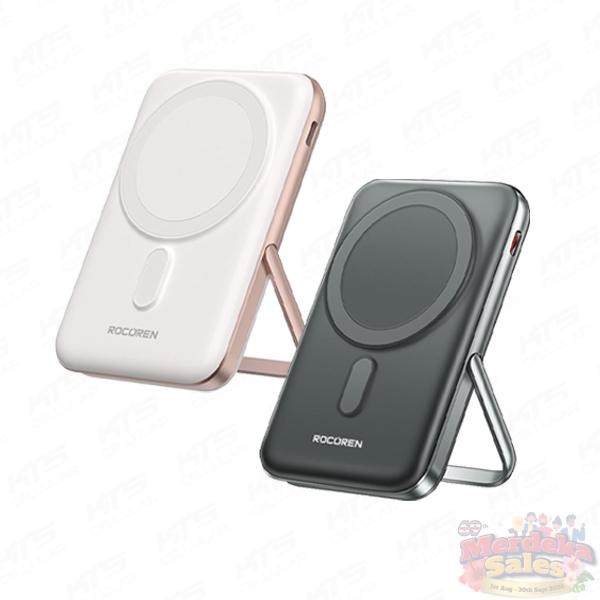
A full shoot day puts a drain on multiple devices at once. Your phone, gimbal, wireless mic, and action camera all need power, and a wall outlet is not always available when you are filming outdoors, in transit, or at an event.
A power bank with at least 20,000mAh and Power Delivery (PD) support handles most of this. PD is worth specifying because it fast-charges phones and can power smaller laptops, which matters if you edit on the go. The Infinix XP20 GT PowerBank is capable at that capacity level and charges multiple devices simultaneously. The Infinix XP06 PRO Powerbank is the better pick if you want something more compact for lighter shooting days.
If you travel with your gear, the KTS blog guide on best fast charging power banks for travel covers options by capacity and portability.
5. Video Editing Software
Raw footage only becomes content after editing. The cut determines pacing, removes dead time, and decides whether someone watches until the end. Getting comfortable with at least one editing tool early is one of the most valuable habits a creator can build.
For short-form content on TikTok and Instagram Reels, CapCut is the most practical starting point. It runs on both mobile and desktop, handles auto-captions, AI-assisted cuts, and trending transitions, and the free version covers most of what short-form creators need. DaVinci Resolve is also free and handles professional-level colour grading and full video editing without watermarking your output.
For YouTube productions and higher-volume content, Adobe Premiere Pro is the industry standard. It costs a monthly subscription, but the timeline control and plugin ecosystem justify it once you are producing consistently. Final Cut Pro is the Mac equivalent and a strong one-time-purchase option for creators already in the Apple ecosystem.
6. Royalty-Free Music for Your Videos
Background music shapes the mood of your content more than most creators realise. The problem is that using copyrighted tracks on YouTube or TikTok can get your video muted, age-restricted, or taken down entirely. Royalty-free music libraries solve this by giving you tracks cleared for use across platforms.
Epidemic Sound and Artlist are the two most widely used paid options. Both offer unlimited downloads with a subscription and cover a wide range of genres and moods. For creators who are not ready to pay yet, the YouTube Audio Library has a free catalogue that is usable on YouTube without copyright issues, and Pixabay Music offers a free selection for broader platform use.
The investment in a proper music library pays off quickly. A well-matched track makes your edit feel tighter and more professional, and you never have to worry about a copyright claim wiping out a video’s monetisation or reach.
7. Microphone for Clear, Professional Audio
Poor audio pushes viewers away faster than poor visuals. Muffled voices, wind noise, or background hiss will cause people to mute or leave your video, regardless of how good the shot looks. A dedicated microphone fixes this at the source.
For desk-based content, podcasting, and talking-head YouTube videos, a USB condenser microphone gives clean, close-field audio with minimal setup. For creators who film on the go, a wireless lavalier system like the DJI Mic 2 or Rode Wireless ME clips onto your collar and captures clear dialogue while keeping you free to move. Interview creators specifically benefit from a dual-channel wireless setup, where both the host and guest are mic’d separately, which simplifies editing considerably.
Your camera can be a phone, your lighting can come from a window, but your audio has to be audible and clean. Viewers tolerate rough visuals far more than they tolerate audio that makes them strain to follow what you are saying.
8. Gimbal or Selfie Stick for Stable Handheld Shots
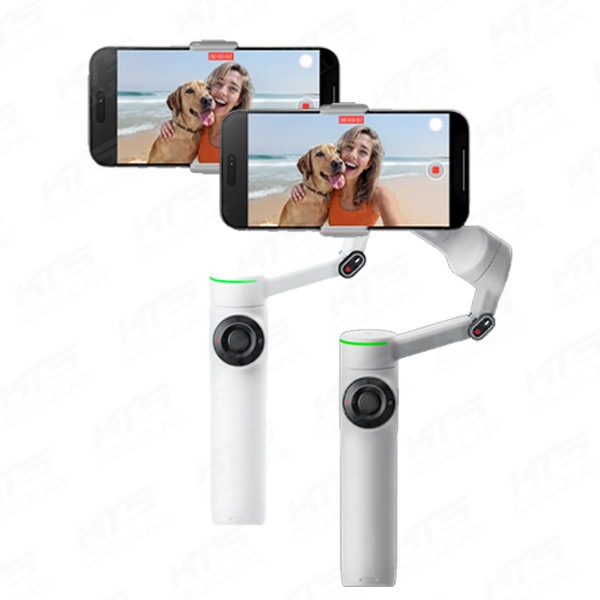
Shaky footage is one of the fastest ways to lose viewers. Whether you reach for a gimbal or a selfie stick depends on the type of content you make.
A gimbal uses motors to counteract hand movement in real time, keeping shots smooth even when you are walking or filming in a crowd. The Insta360 Flow 2 Pro is built specifically for smartphone creators. It folds flat, connects via a companion app that handles subject tracking and time-lapses, and is compact enough to go everywhere. Vloggers, street content creators, and product reviewers who film while moving will notice the difference immediately.
A selfie stick is the lighter, simpler option for creators who do not need motorised stabilisation. It extends your reach for wide-angle solo shots, doubles as a mini tripod on flat surfaces, and is easy to travel with. For Insta360 users, the invisible selfie stick accessory works particularly well with 360 cameras because the software removes it from the footage entirely.
If you primarily shoot stationary content or do not move much while filming, a quality selfie stick with a remote shutter is a practical and affordable way to get cleaner framing than holding your phone at arm’s length.
Build Your Creator Kit Today!
Start with the tools that remove the most obvious limitations in your current setup. A capable phone and a microphone cover most content types at the beginning. Add a power bank and a portable SSD as your shoot days get longer. Build toward a gimbal, editing software, and a proper music library as your content volume grows.
If you are putting your kit together, browse smartphones and gadgets at KTS and find what fits where you are right now.